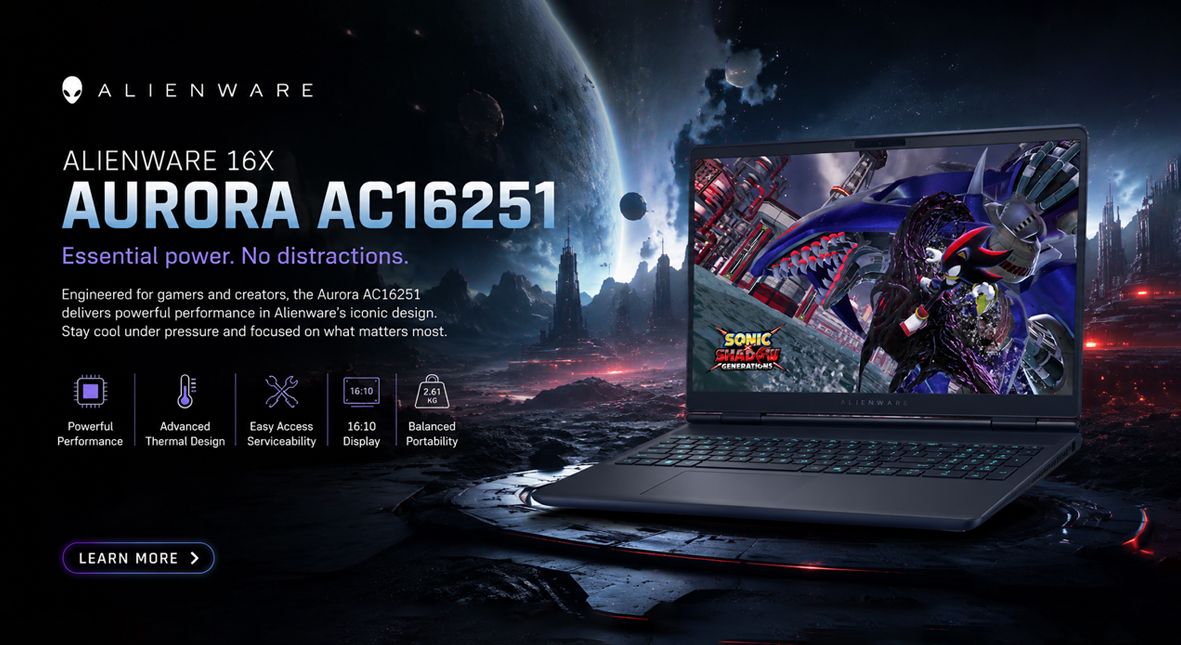
The Alienware 16x Aurora AC16251 is designed for the premium gaming laptop market, featuring a 16-inch display with a resolution of 2560 × 1600 (16:10) and a high-refresh rate of 240 Hz. It is powered by the Intel Core Ultra 9 processor and the NVIDIA GeForce RTX 5060 GPU, complemented by 16 GB of RAM and a 1 TB NVMe SSD for ample storage. Weighing approximately 2.61 kg, this laptop strives to offer a blend of powerful desktop-level performance while maintaining reasonable portability. Below, you will find a detailed overview of its specifications, anticipated performance, upgrade capabilities, and key factors to consider when making a purchase.
Key specifications
- Processor: Intel Core Ultra 9 (mobile flagship).
- Graphics: NVIDIA GeForce RTX 5060 (mobile).
- Display: 16-inch, 2560 × 1600 (16:10), 240 Hz.
- Memory: 16 GB (presumed DDR5, dual-channel).
- Storage: 1 TB NVMe SSD.
- Wireless: Wi‑Fi 7.
- Input: Per-key RGB keyboard (AlienFX).
- Weight: ~2.61 kg.
- OS and software: Windows 11 with Alienware Command Center for system tuning.
Design and build
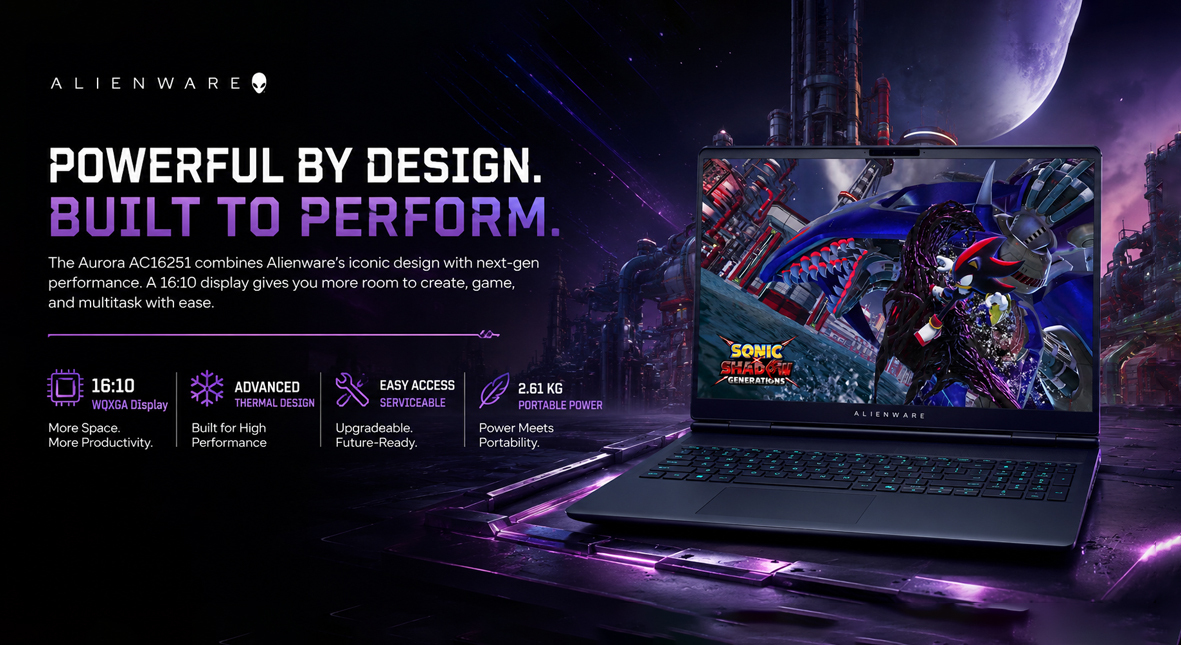
The Aurora AC16251 features Alienware's signature design, characterized by a sturdy chassis that prioritizes thermal management and ease of service. Its 16:10 display offers enhanced vertical workspace, which can significantly boost productivity, especially for content creation, compared to traditional 16:9 screens. Weighing in at 2.61 kg, this high-performance 16-inch laptop strikes a balance between portability and performance, though it may not fall into the ultra-thin category.
Display
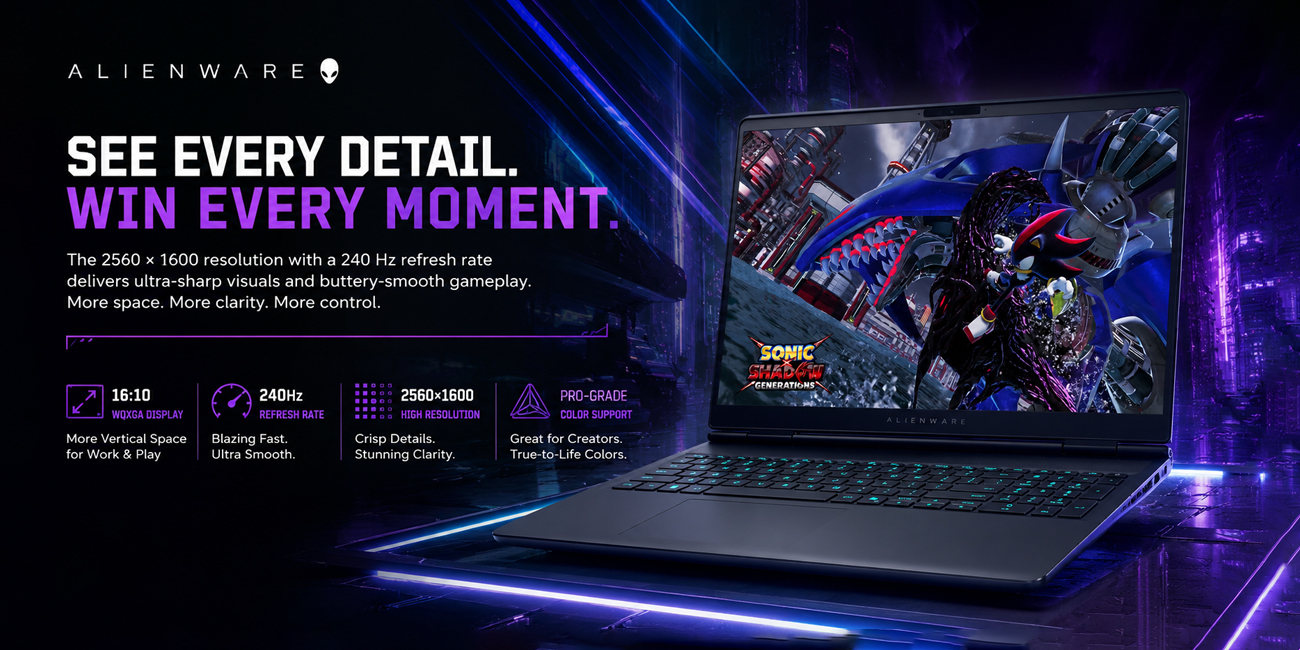
The 2560 × 1600 resolution with a 240 Hz refresh rate provides an excellent combination of high pixel density and smooth motion performance. This setup enhances the visual experience in fast-paced gaming while also maximizing screen real estate for productivity tasks and streaming overlays. For professionals engaged in creative work, it’s important to check the color gamut and factory calibration. Opting for models with higher color accuracy is advisable when available.
Performance expectations
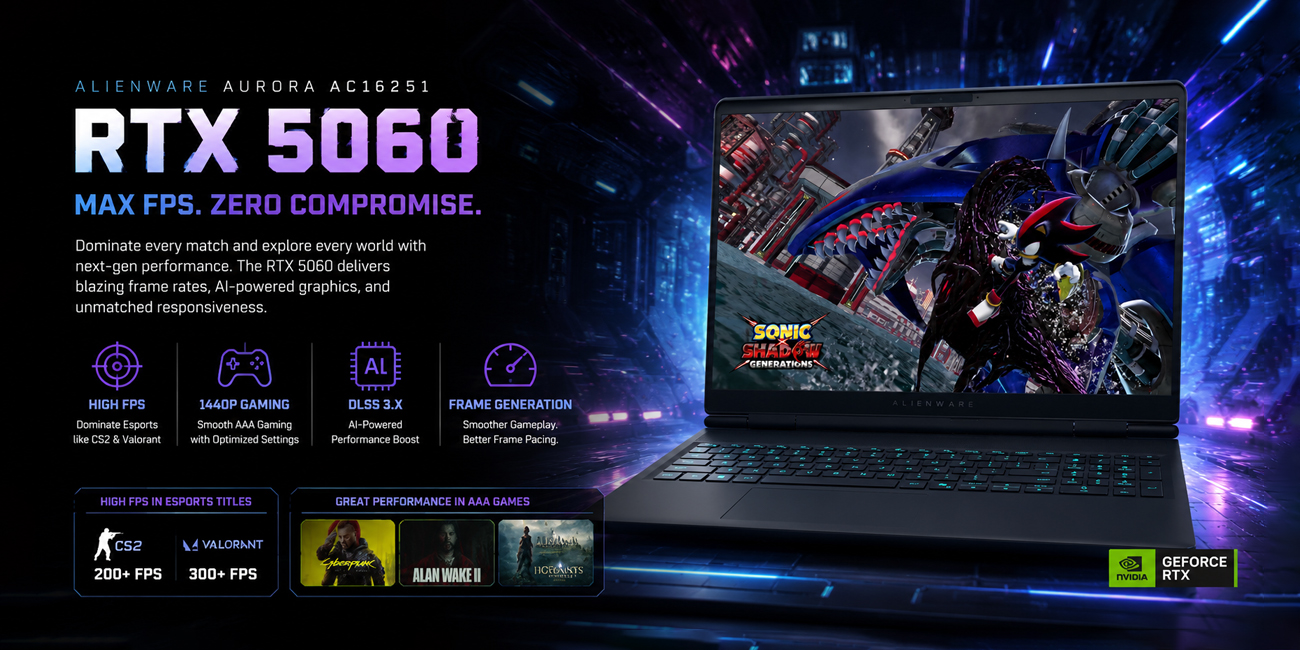
Gaming: The RTX 5060 is expected to provide high frame rates in esports titles such as CS2 and Valorant, as well as strong performance at 1440p in many AAA games when settings are adjusted. Additionally, DLSS 3.x and Frame Generation can significantly enhance frame pacing and overall performance in supported games.
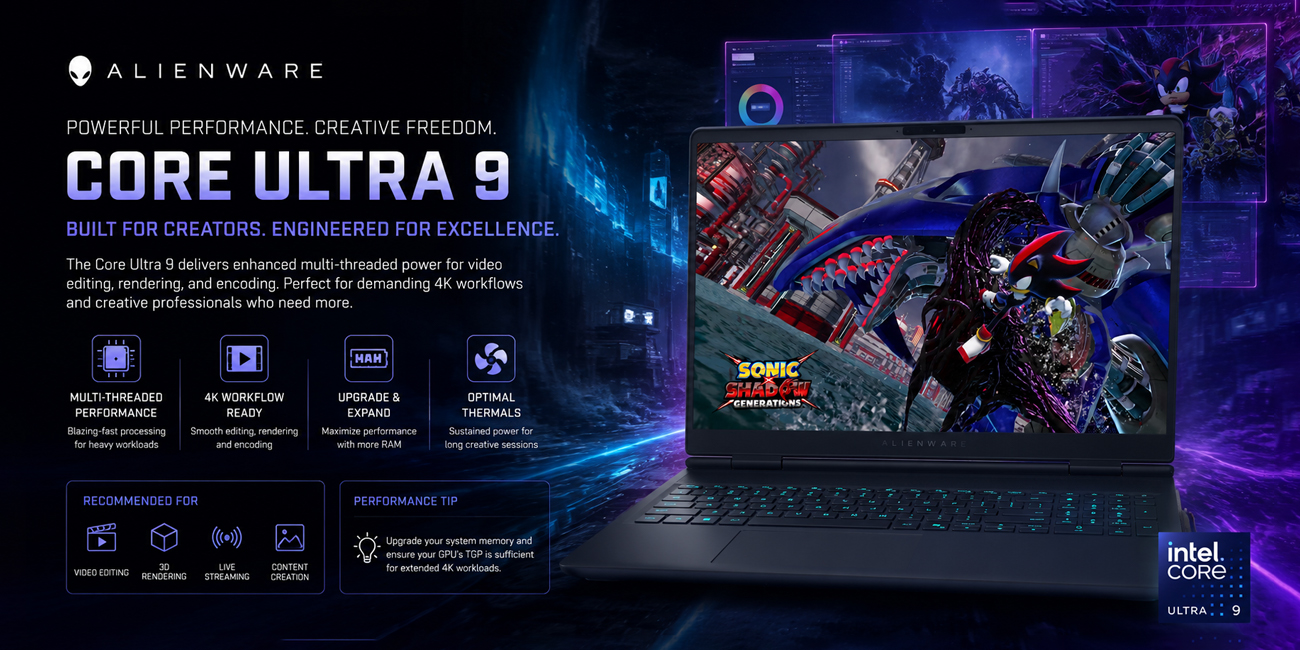
Content creation: The Core Ultra 9 features enhanced multi-threaded capabilities, making it particularly effective for tasks such as video editing, rendering, and encoding. For those working with demanding 4K workflows, it's advisable to upgrade the system memory and verify that the GPU's Total Graphics Power (TGP) is adequate to support prolonged workloads effectively.
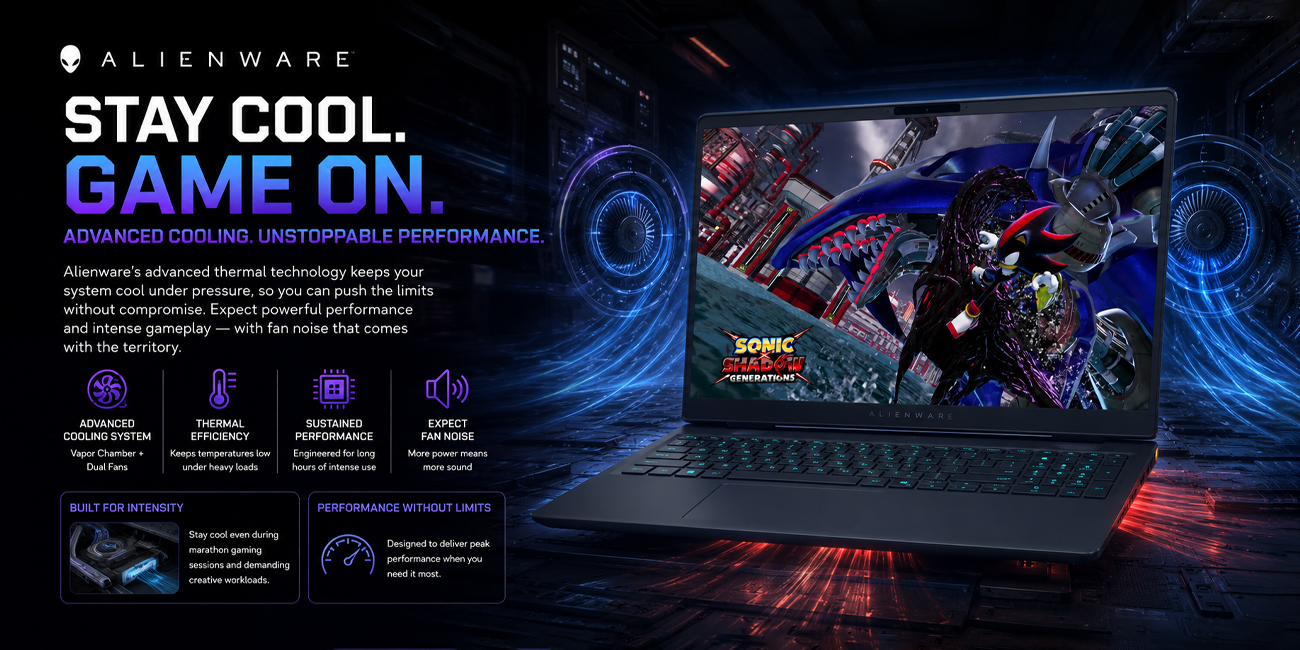
Thermals and acoustics: Alienware laptops and desktops are designed with advanced cooling solutions that effectively manage heat, allowing for prolonged high-performance operation during intensive tasks. As a result, users may experience increased fan noise when the system is under heavy load.
Upgradeability and practical considerations
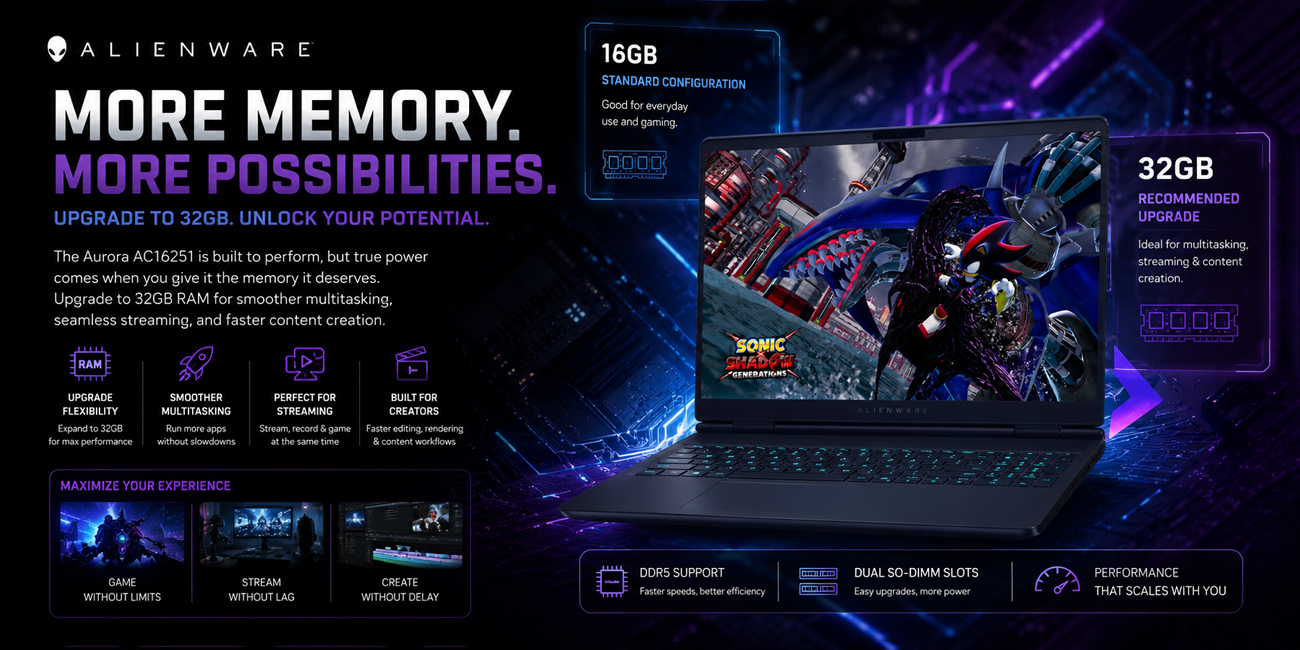
Memory: It's important to verify if the 16 GB configuration utilizes dual SO‑DIMMs or if it comes with soldered RAM. For users engaged in multitasking, streaming, or professional content creation, upgrading to 32 GB of RAM is highly recommended to enhance performance and efficiency.
Storage: Many Alienware systems feature additional M.2 slots, allowing users to add a secondary NVMe drive. This upgrade provides an affordable way to expand storage capacity.
Battery life: High-refresh panels and power-hungry components will limit battery endurance. Anticipate several hours of light productivity, with significantly reduced runtime during gaming.
Ports and connectivity: Alienware models generally provide comprehensive I/O, including multiple USB-A, USB-C/DisplayPort, HDMI, and Ethernet—advantageous for external displays and networked environments. Wi‑Fi 7 future-proofs wireless throughput where compatible infrastructure exists.
Purchase recommendations
- Prioritize RAM capacity: Opt for 32 GB if you stream, multitask heavily, or perform professional content work.
- Check GPU TGP: Review listed wattage for the RTX 5060 variant—higher TGP yields better sustained performance.
- Validate panel options: Choose an SKU with a wider color gamut and calibration if color accuracy matters.
- Expand storage if necessary: Plan for a secondary NVMe for large game libraries or media projects.
- Consider warranty and support packages: Alienware’s premium positioning includes optional extended support and on-site services that may be valuable for professional use.
Conclusion
The Alienware 16x Aurora AC16251 is a great choice for both gaming and work. It features a 16:10, 240 Hz display, a modern Intel Core Ultra 9 CPU, and an RTX 5060 GPU. This setup is good for competitive gaming, streaming, and content creation. Before buying, check the memory setup and GPU limits. You might want to upgrade the RAM and storage to better handle professional tasks.